Best Ultrawide Monitors to Replace Two Separate Screens
Swapping two monitors for one ultrawide only works if the single screen actually gives you the same side-by-side working space, without you losing the ability to plug in two sources or dock a laptop with one cable. That means resolution and aspect ratio matter more than brand name here: a 21:9 panel at 3440x1440 gives you roughly two 1720x1440 windows, while a 32:9 panel at 5120x2160 gets close to two full 4K screens sitting next to each other.
What actually separates these options is how they handle the things a dual-monitor setup does well: split-screen software, multiple video inputs, single-cable laptop charging, and enough width to keep spreadsheets or code windows readable without shrinking text. Some of these monitors lean toward gaming immersion, others toward office multitasking, and a few try to do both.
The picks below were chosen from monitors in this pool wide enough (34 inches or more, 21:9 or wider) to plausibly replace two screens, then ranked by how well their specs support that specific job rather than general picture quality.
We may earn a commission at no extra cost to you.
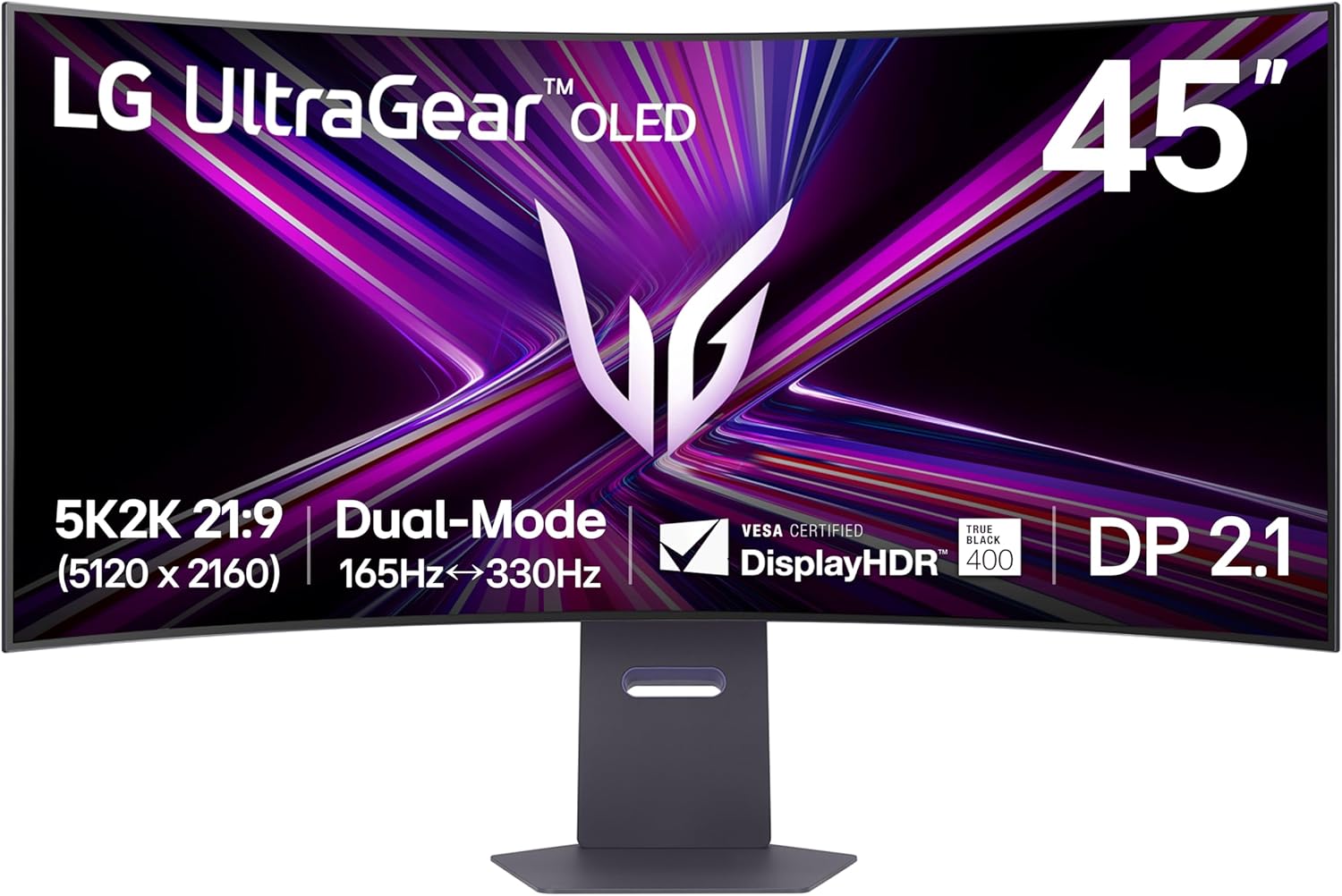
LG 45GX950A-B 45-inch Ultragear 5K2K WUHD (5120 x 2160) OLED Curved Gaming Monitor, Dual-Mode, 165Hz, 0.03ms, NVIDIA G-Sync, AMD FreeSync Premium Pro, HDR True Black 400, USB Type-C 90W, DP2.1
At 5120x2160, this 45-inch panel has close to the pixel width of two 2560x2160 monitors side by side, which is the closest any monitor in this pool gets to literally replacing a dual 4K setup rather than just being wide.
- +5120x2160 resolution with 125 PPI for sharp text and detail
- +Dual Mode switches to 330Hz at lower resolution
- +0.03ms GtG response time for minimal ghosting
- −Requires a high-end GPU to use full 5K2K resolution
- −OLED panels carry inherent burn-in risk with static content

SAMSUNG 34" ViewFinity S50GC Series Ultra-WQHD Monitor, 100Hz, 5ms, HDR10, AMD FreeSync, Eye Care, Borderless Design, PIP, PBP, LS34C502GANXZA, 2023, Black | 100Hz Refresh Rate, 5ms, HDR10, AMD FreeSync, Eye Care, Borderless Design, PIP, PBP, LS34C502GANXZA, Black
PIP and PBP let you feed two separate sources into one screen at once, which is the actual feature that replaces having two monitors plugged into two machines, not just extra horizontal space.
- +21:9 Ultra WQHD panel adds real multitasking space
- +100Hz refresh rate and FreeSync smooth everyday motion
- +HDR10 support for expanded color range
- −No USB-C; only HDMI and DisplayPort inputs
- −5ms response time trails dedicated gaming monitors

Dell 34 Monitor S3425DW, WQHD VA, 120Hz, FreeSync Premium, Eye Comfort | HDR10, Anti-Glare, 300 cd/m2 Brightness, 3,000:1 Contrast, 95% DCI-P3, 2x10W Speakers, USB-C 65W Power Delivery
65W USB-C power delivery over one cable means a laptop user can drop a second monitor and a separate dock at the same time, which is often the real cost of a two-monitor desk setup.
- +Matte anti-glare coating cuts reflections in bright rooms
- +21:9 ultrawide layout adds real desktop space
- +Single USB-C cable delivers 65W laptop charging
- −300 cd/m2 brightness is modest for HDR content
- −VA panel and 120Hz aren't built for competitive esports

Sceptre 34-Inch Curved Ultrawide WQHD Monitor (3440 × 1440), R1500, up to 180Hz/165Hz, DisplayPort x2, 99% sRGB, 1ms, Built-in Speakers, Machine Black, 2025 (C345B-QUT168) | An resolution of 3440 x 1440, expand your performance and productivity, DisplayPort x2, Up to 180Hz/165Hz, Quad HD 165Hz
3440x1440 across 34 inches gives enough width to run two full-size windows side by side, and dual DisplayPort inputs cover most desktop setups without paying for USB-C extras you may not need.
- +3440 x 1440 ultrawide resolution adds real screen space
- +Up to 180Hz refresh with 1ms MPRT for fast motion
- +99% sRGB coverage for reasonably accurate color
- −No USB-C or HDMI listed, only dual DisplayPort
- −Panel type and contrast ratio not specified
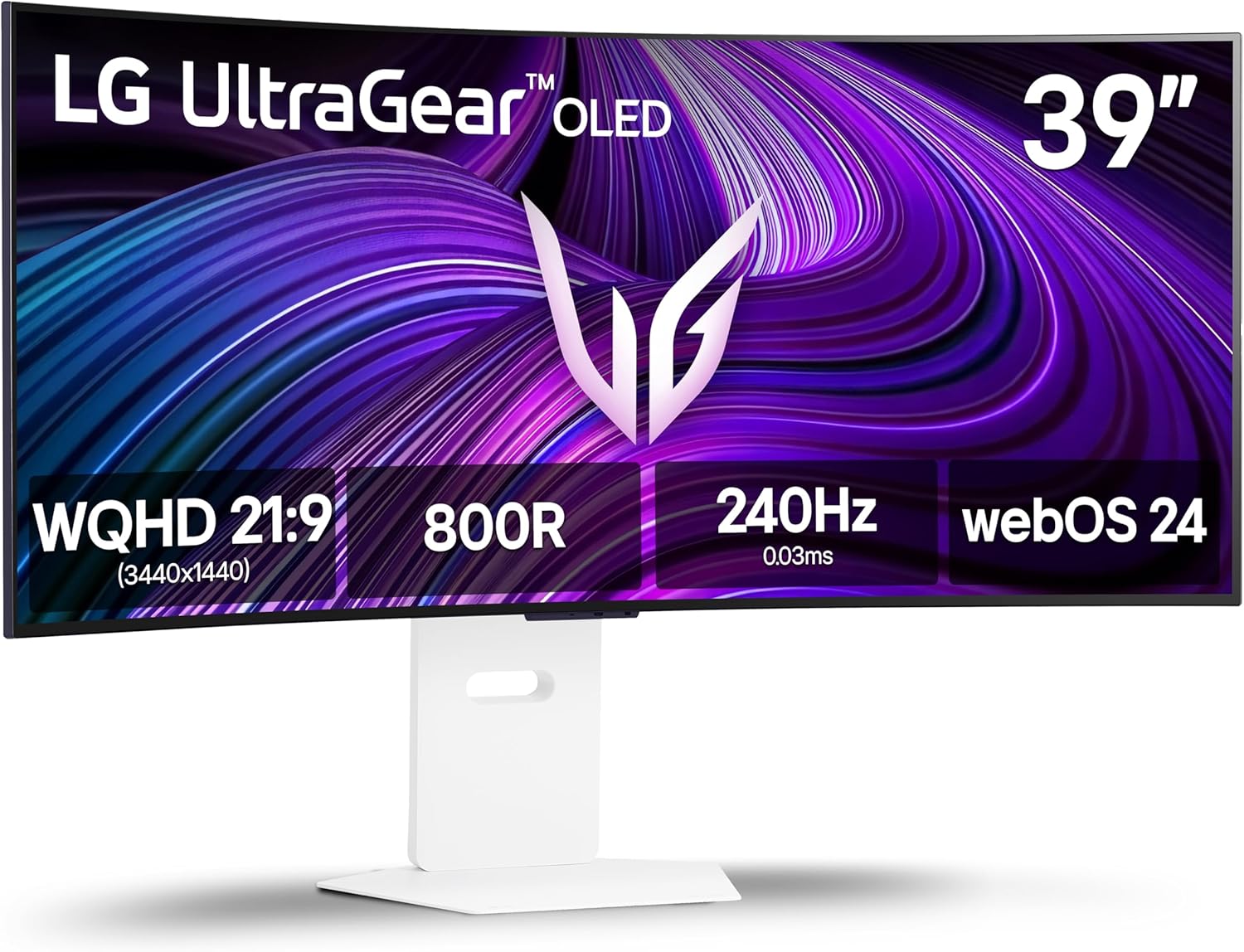
LG 39GX90SA-W 39-inch Ultragear WQHD (3440 x 1440) OLED Curved Gaming Monitor 240Hz, 1ms, NVIDIA G-Sync Compatible, AMD FreeSync Premium, VESA DisplayHDR True Black 400, webOS, USB Type-C, White
For anyone currently splitting a gaming monitor and a productivity monitor, this pairs a 240Hz OLED panel with enough width for split-window work, cutting two screens down to one without giving up refresh rate.
- +240Hz refresh and 0.03ms response for fast-paced gaming
- +FreeSync Premium and G-Sync Compatible for tear-free play
- +DisplayHDR True Black 400 with 1.5M:1 contrast ratio
- −800R curve less practical for spreadsheet or coding work
- −WQHD resolution is less pixel-dense than a 4K ultrawide

LG 34SR60QC-W 34-inch QHD (3440x1440) Curved Smart Monitor with Streaming, UltraWide Screen, webOS, HDR10, 100Hz, Built-in Speaker, AirPlay2, Screen Share, Bluetooth, ThinQ App, White
webOS with Netflix, Prime Video, and screen share replaces a second monitor that was doubling as a media or streaming display, useful for anyone whose second screen was mostly running a browser tab for video.
- +34-inch curved UltraWide QHD screen for multitasking
- +webOS23 streams Netflix, Prime Video, and more with no PC
- +100Hz refresh rate beats standard 60Hz office monitors
- −No USB-C or DisplayPort listed in the specs
- −Matte curved panel isn't ideal for color-critical editing
What to look for
For this specific use case, resolution-to-width ratio matters more than screen size alone. A 34-inch ultrawide at 3440x1440 has roughly the pixel width of two 1080p monitors side by side, which is the real test of whether it replaces your current setup or just looks wide. If you're currently running two 1440p or 4K screens, look at the 45-inch 5120x2160 option instead — anything narrower will feel cramped once you split it into two working panes.
Also check for Picture-by-Picture (PBP) or Picture-in-Picture (PIP) support and USB-C with power delivery. PBP lets you feed the monitor two separate sources (like a work laptop and a personal PC) and view them side by side, which is often the actual reason someone had two monitors in the first place. USB-C PD replaces the dock, charger, and second video cable a laptop-based dual-monitor setup usually needs — if that spec is missing, you'll still be juggling multiple cables even after downsizing to one screen.
This guide is compiled from manufacturer specifications and aggregated customer feedback on Amazon, with AI assistance in drafting. We have not personally tested every product listed. Prices and availability change frequently — always confirm on Amazon before buying.