Logitech M650 vs Lenovo 530: Mouse Connectivity Compared
By TechItSpot · Research-based buying guide. Updated 2026-11-13. How we compare products
At a glance
Choose the Logitech Signature M650 if you want Bluetooth Low Energy and Logi Bolt receiver options. Bluetooth lets you connect without occupying a USB port, but you need a compatible computer. Choose the Lenovo 530 if you prefer plug-in setup through its 2.4 GHz nano USB receiver without Bluetooth pairing.
The M650 offers more connection choices; the Lenovo 530 provides a documented receiver-based setup. This comparison uses only the supplied product information, without hands-on testing.
We may earn a commission at no extra cost to you.
The picks
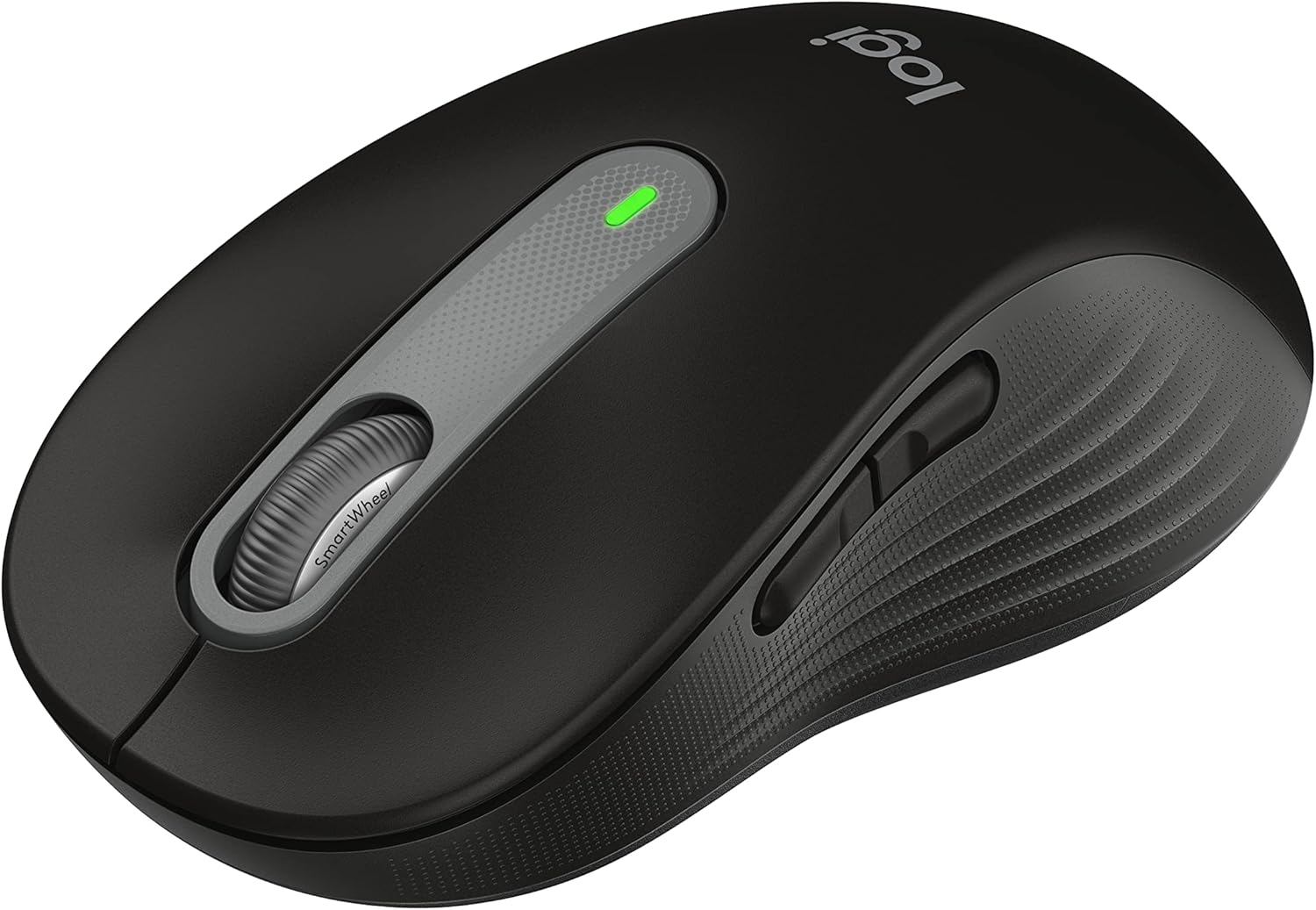
Logitech Signature M650 Wireless Mouse Small to Medium Sized Hands - Black
The M650 suits you if you want a choice between Bluetooth Low Energy and a Logi Bolt receiver. Its confirmed connection options make it the more flexible choice in this comparison. Check your computer's Bluetooth compatibility before planning to connect without a receiver.
- +SmartWheel switches between precise and fast scrolling
- +SilentTouch rated for 90 percent less click noise
- +Connects via Bluetooth Low Energy or Logi Bolt receiver
- −Sized for small to medium hands only
- −Uses disposable AA battery, not a rechargeable cell

Lenovo 530 Wireless Mouse – Full Size Computer Mouse for PC, Laptop, Windows Computer - 2.4 GHz Nano USB Receiver - Ambidextrous Design - 12 Months Battery Life – Cordless
The Lenovo 530 suits you if you want to plug in its 2.4 GHz nano USB receiver without Bluetooth pairing. That setup occupies a USB port, so confirm connector compatibility and port availability before choosing it.
- +Ambidextrous shape works for left- and right-handed users
- +Light 65 g build travels easily in a laptop bag
- +Nano USB receiver means plug-in setup, no pairing
- −1200 DPI sensor is too modest for gaming
- −No Bluetooth listed, so the receiver uses a USB port
What to look for
Focus on the connection method your computer supports. For the M650's Bluetooth mode, check Bluetooth Low Energy compatibility. For either mouse's receiver connection, verify the receiver's connector against your available USB ports and confirm operating-system compatibility before buying.
Bluetooth support for the Lenovo 530 is unconfirmed in the supplied data. Multiple connection methods also do not establish multi-device switching: switching capabilities for these two models remain unknown here.
Related buying guides
Our guides use published specifications and Amazon listing information, with AI assistance in research and drafting. We do not conduct hands-on testing. Amazon customer ratings are not our own scores. Prices and availability change frequently — always confirm on Amazon before buying.