Real 27-Inch 4K 144Hz Gaming Monitors and Close Alternatives
Typing "27 inch 4K 144Hz" into a search bar is really asking one question: can you get sharp 4K detail and smooth, fast motion in the same 27-inch screen, without one canceling out the other. That combination needs real bandwidth (HDMI 2.1 or DisplayPort 1.4 with DSC) and a panel actually rated for it — a lot of 27-inch 4K monitors top out at 60Hz because they're built for editing and office work, not gaming.
The options below split into two groups. A couple hit the literal spec you searched for. The rest are close alternatives worth knowing about if you're willing to trade resolution for refresh rate, or size for panel technology, since the pool of true 27-inch/4K/144Hz panels is small.
Picks are ranked by how closely they match all three numbers in your search, then by what you'd gain or give up by stepping outside that exact spec.
We may earn a commission at no extra cost to you.

ZZA 27 Inch 4K Gaming Monitor,UHD(3840x2160) 4K 144Hz Flat Monitor, Adaptive Sync,HDMI 2.1 & DP 1.4,Tilt Adjustment PC Monitor, Wall Mountable, for Work, Streaming, and Home Office, Black
This is the only monitor in the lineup that hits all three numbers in the search: 27-inch, 4K, 144Hz, backed by HDMI 2.1 and DisplayPort 1.4 to actually carry that signal. If you want the literal spec you searched for, this is it.
- +HDMI 2.1 and DisplayPort 1.4 support full 4K 144Hz signal
- +100% sRGB coverage suits general color-accurate work
- +Matte screen surface helps reduce glare
- −No built-in speakers, requires external audio
- −Only tilt adjustment listed, no height or swivel

Dell 27 Monitor S2725QC, 4K UHD IPS, 120Hz, 99% sRGB, 4ms, FreeSync Premium | 3840x2160, 163 PPI, USB-C, HDMI, DisplayPort, Anti-Glare, Eye Comfort Technology, LED Edgelight System
Same 27-inch 4K size class but at 120Hz with FreeSync Premium, plus USB-C docking with 65W power delivery. Worth it if you split time between gaming and laptop work and don't need the last 24Hz of refresh.
- +163 PPI delivers sharp text and fine detail
- +120Hz with FreeSync Premium smooths motion
- +Single USB-C cable with 65W power delivery
- −Only sRGB coverage confirmed, no wider gamut listed
- −Stand adjustability not specified in listing

Samsung 32" Odyssey (G55C) Series QHD 1000R Curved Gaming Monitor, | 165Hz, 1ms(MPRT), HDR10, AMD Radeon FreeSync, Eye Care, Glare Free, Sharp Resolution (LS32CG550ENXZA)
Drops to QHD but pushes refresh to 165Hz with 1ms MPRT — for gamers who'd rather have faster, sharper motion than 4K pixel density, at a similar 32-inch screen size.
- +165Hz refresh rate with 1ms MPRT for fast motion
- +QHD resolution sharper than 1080p at this size
- +1000R curve adds strong immersion for gaming
- −Aggressive curve can distort straight lines for productivity use
- −Glossy screen surface may reflect strong overhead light
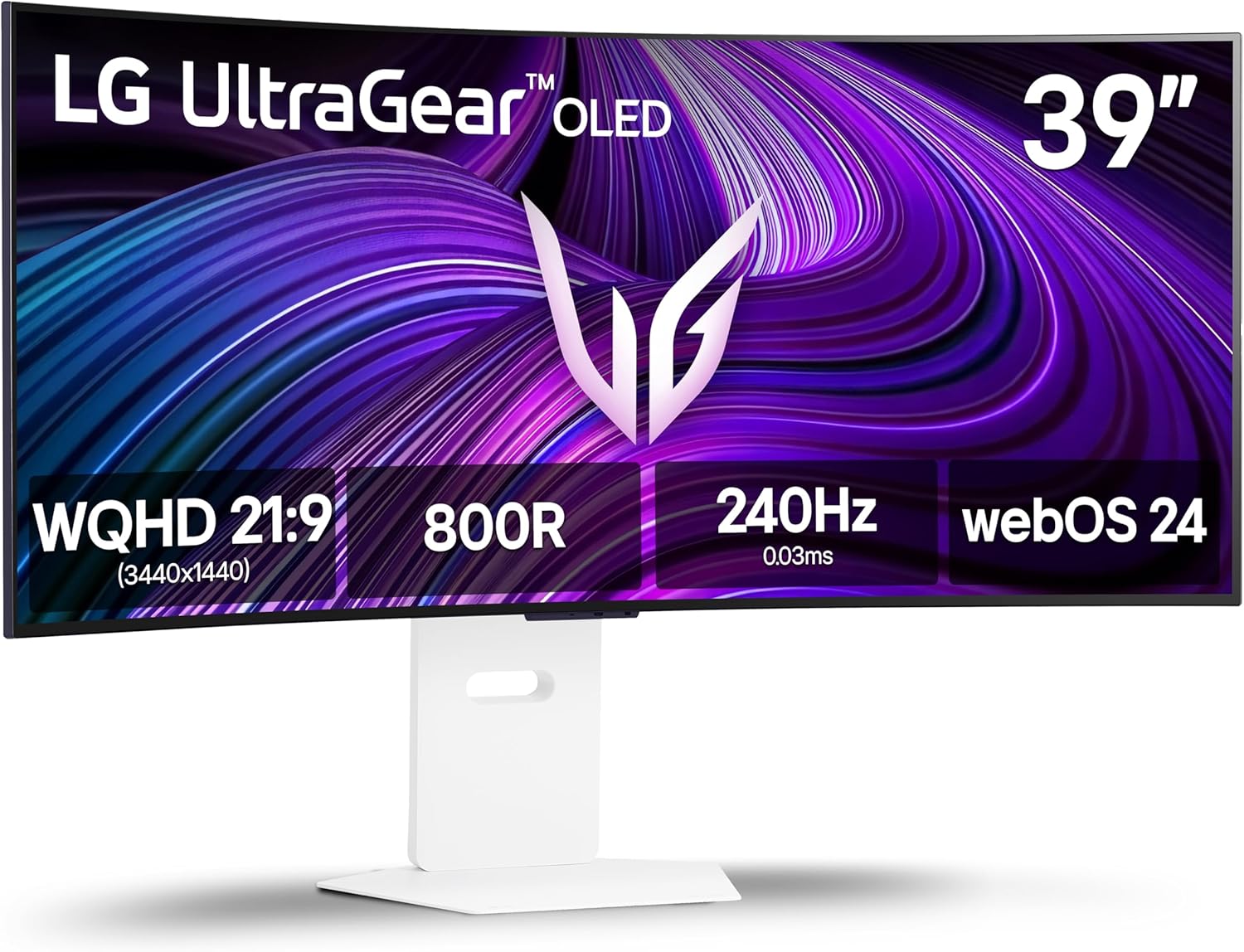
LG 39GX90SA-W 39-inch Ultragear WQHD (3440 x 1440) OLED Curved Gaming Monitor 240Hz, 1ms, NVIDIA G-Sync Compatible, AMD FreeSync Premium, VESA DisplayHDR True Black 400, webOS, USB Type-C, White
240Hz refresh and 0.03ms response on an OLED panel go well beyond what any 4K 144Hz LCD offers for competitive responsiveness, if you can live with WQHD resolution and a curved 39-inch size instead of 27.
- +240Hz refresh and 0.03ms response for fast-paced gaming
- +FreeSync Premium and G-Sync Compatible for tear-free play
- +DisplayHDR True Black 400 with 1.5M:1 contrast ratio
- −800R curve less practical for spreadsheet or coding work
- −WQHD resolution is less pixel-dense than a 4K ultrawide
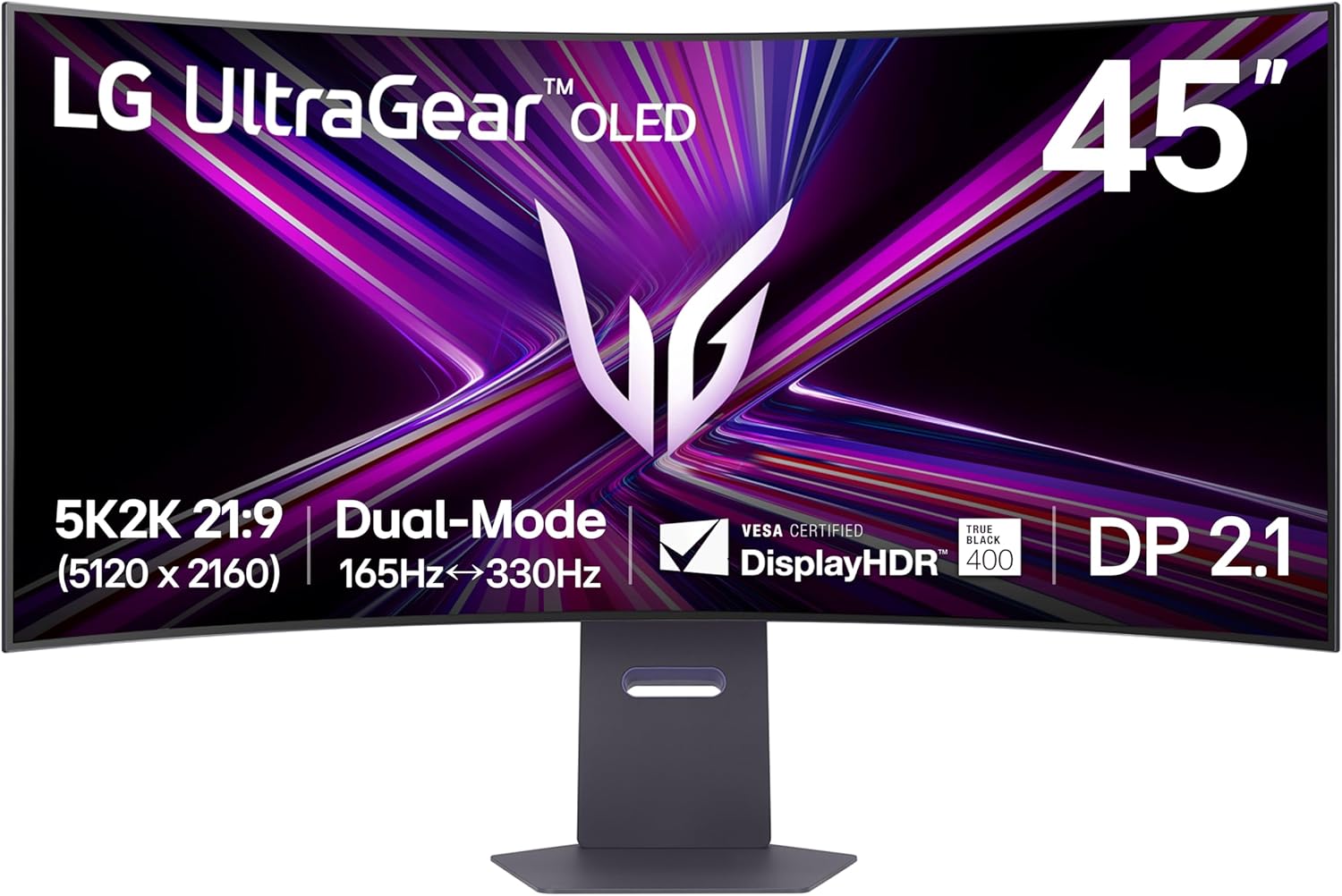
LG 45GX950A-B 45-inch Ultragear 5K2K WUHD (5120 x 2160) OLED Curved Gaming Monitor, Dual-Mode, 165Hz, 0.03ms, NVIDIA G-Sync, AMD FreeSync Premium Pro, HDR True Black 400, USB Type-C 90W, DP2.1
For buyers who want to go bigger than 27 inches without giving up sharpness or speed: 5120x2160 resolution with a 165Hz standard mode and a 330Hz Dual Mode option, for those running GPUs that can push it.
- +5120x2160 resolution with 125 PPI for sharp text and detail
- +Dual Mode switches to 330Hz at lower resolution
- +0.03ms GtG response time for minimal ghosting
- −Requires a high-end GPU to use full 5K2K resolution
- −OLED panels carry inherent burn-in risk with static content

CRUA 34" WQHD 165Hz Ultrawide Curved Gaming Monitor, 1500R, FreeSync, Black | 21:9 Display With 120%sRGB Color, HDMI 2.0, DP 1.4, 3.5mm Audio Out and 75x75mm Wall Mount For PC Gaming, Editing and Work
165Hz and FreeSync at a lower price point than the OLED options, for gamers who want more horizontal screen space instead of 4K vertical detail and don't need built-in speakers or HDR.
- +165Hz refresh rate with FreeSync for smoother gameplay
- +3440x1440 ultrawide resolution adds usable screen width
- +1500R curve and 178-degree viewing angle for immersion
- −No built-in speakers despite audio output port
- −No response time or HDR spec provided
What to look for
The number that actually matters here is whether the monitor's ports can carry a full 3840x2160 signal at 144Hz. HDMI 2.0 can't do it — you need HDMI 2.1 or DisplayPort 1.4 (often with Display Stream Compression). If a listing doesn't mention HDMI 2.1 or DP 1.4, assume the 144Hz figure only applies at a lower resolution. Response time is the second thing to check: look for GtG or MPRT numbers rather than trusting refresh rate alone, since a fast panel with sluggish response can still ghost in motion.
If a true 27-inch 4K 144Hz panel isn't available or affordable, the tradeoff usually goes one of two ways: drop resolution to 1440p and keep 165Hz-240Hz on a similar-size screen, or keep 4K and accept 120Hz. Either compromise still beats a 60Hz 4K monitor for competitive or fast-paced games, so weigh what you'd actually notice — sharper text and detail, or smoother fast motion — before deciding which axis to give up.
This guide is compiled from manufacturer specifications and aggregated customer feedback on Amazon, with AI assistance in drafting. We have not personally tested every product listed. Prices and availability change frequently — always confirm on Amazon before buying.