Best Ultrawide Monitors With USB-C Power for MacBook
When you search for an ultrawide with USB-C power delivery, you're really asking for two things at once: enough horizontal screen space to actually replace a second monitor, and enough wattage over that same cable to keep a MacBook charged without plugging in a separate power brick. Those two specs don't always come together — plenty of ultrawides have USB-C for video only, and plenty of USB-C docking monitors aren't ultrawide at all.
The picks below are ranked by how well they combine real 21:9-or-wider screen real estate with a confirmed Power Delivery wattage, since that combination is the actual point of the search. A couple of non-ultrawide alternatives are included at the end for shoppers who'd trade width for resolution or a fuller USB-C hub, since that's a real tradeoff worth seeing next to the ultrawide options.
We may earn a commission at no extra cost to you.
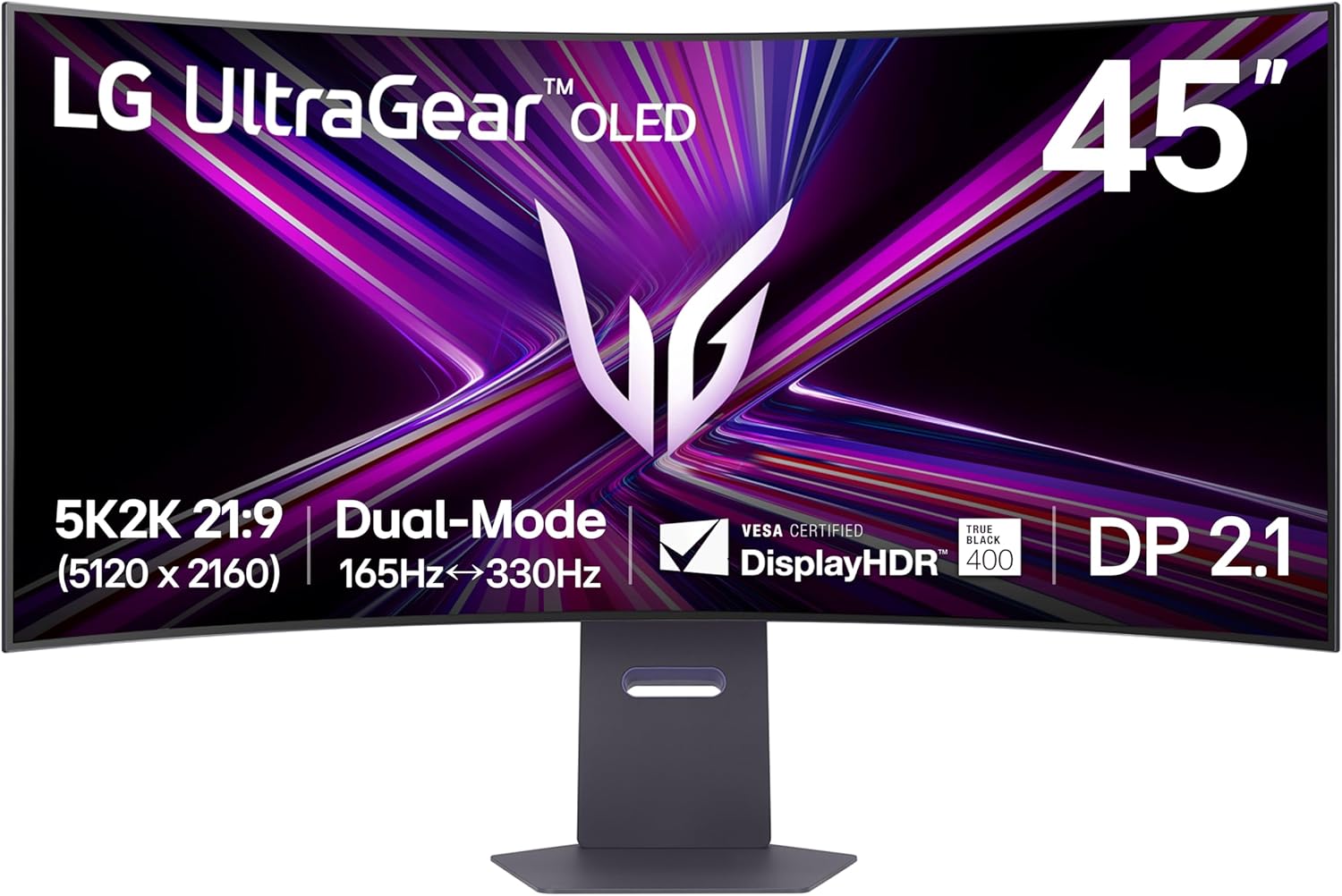
LG 45GX950A-B 45-inch Ultragear 5K2K WUHD (5120 x 2160) OLED Curved Gaming Monitor, Dual-Mode, 165Hz, 0.03ms, NVIDIA G-Sync, AMD FreeSync Premium Pro, HDR True Black 400, USB Type-C 90W, DP2.1
90W USB-C Power Delivery is enough to charge a 16-inch MacBook Pro even under load, and the 5120x2160 resolution across 45 inches gives you far more usable desktop space than a standard 34-inch ultrawide, useful for anyone running demanding creative or coding workflows off a Mac.
- +5120x2160 resolution with 125 PPI for sharp text and detail
- +Dual Mode switches to 330Hz at lower resolution
- +0.03ms GtG response time for minimal ghosting
- −Requires a high-end GPU to use full 5K2K resolution
- −OLED panels carry inherent burn-in risk with static content

Dell 34 Monitor S3425DW, WQHD VA, 120Hz, FreeSync Premium, Eye Comfort | HDR10, Anti-Glare, 300 cd/m2 Brightness, 3,000:1 Contrast, 95% DCI-P3, 2x10W Speakers, USB-C 65W Power Delivery
65W USB-C PD is enough for most MacBook Air and 13-inch Pro charging needs, paired with a 34-inch WQHD ultrawide panel and a matte coating that helps in bright home offices — a straightforward single-cable setup without paying for OLED or 5K resolution you may not need.
- +Matte anti-glare coating cuts reflections in bright rooms
- +21:9 ultrawide layout adds real desktop space
- +Single USB-C cable delivers 65W laptop charging
- −300 cd/m2 brightness is modest for HDR content
- −VA panel and 120Hz aren't built for competitive esports
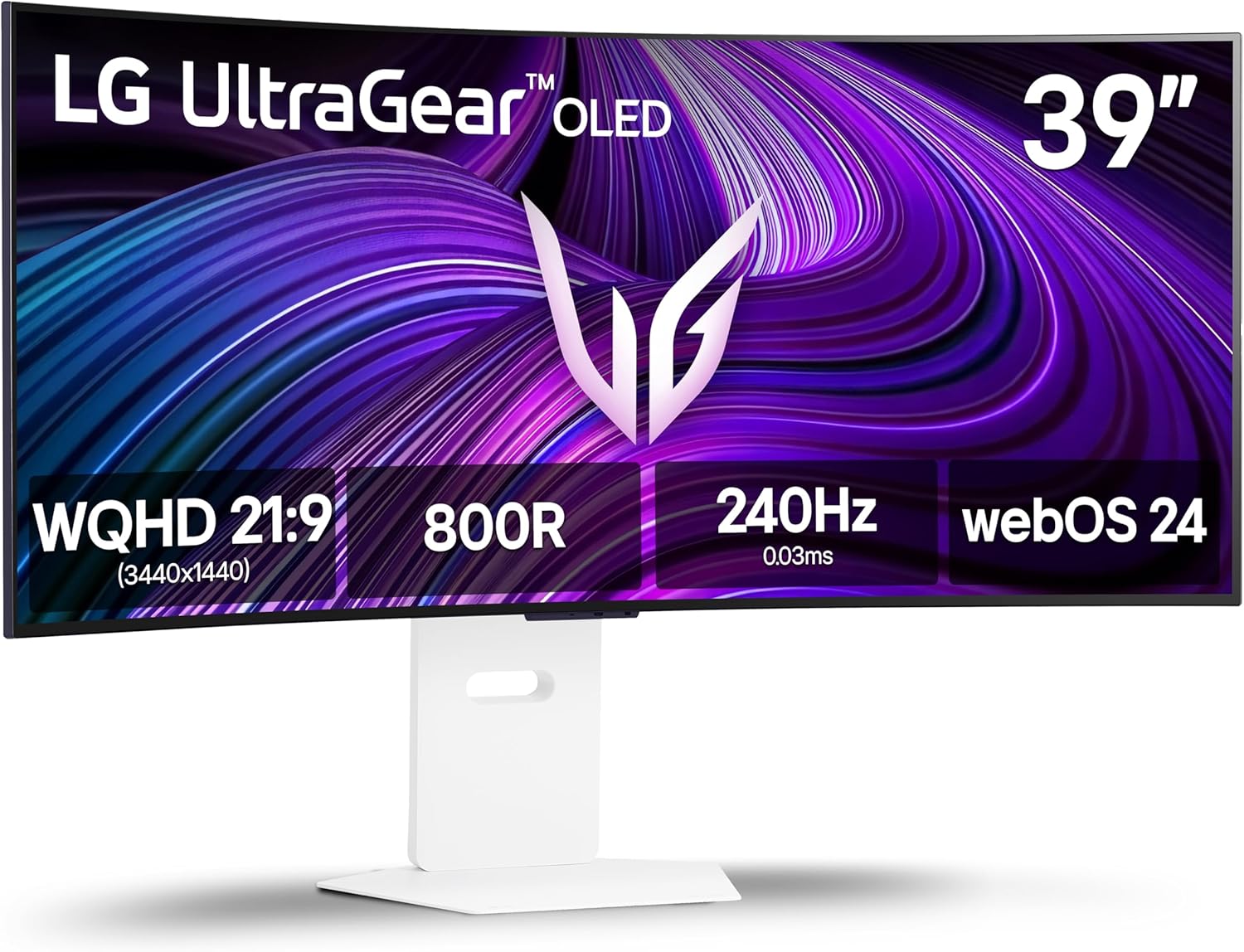
LG 39GX90SA-W 39-inch Ultragear WQHD (3440 x 1440) OLED Curved Gaming Monitor 240Hz, 1ms, NVIDIA G-Sync Compatible, AMD FreeSync Premium, VESA DisplayHDR True Black 400, webOS, USB Type-C, White
For a MacBook owner who also games on a separate PC or console, this 39-inch OLED ultrawide brings 240Hz and USB-C connectivity in one panel, though the listing doesn't specify PD wattage, so confirm your MacBook's charging needs before counting on it as your sole cable.
- +240Hz refresh and 0.03ms response for fast-paced gaming
- +FreeSync Premium and G-Sync Compatible for tear-free play
- +DisplayHDR True Black 400 with 1.5M:1 contrast ratio
- −800R curve less practical for spreadsheet or coding work
- −WQHD resolution is less pixel-dense than a 4K ultrawide

Philips 34 Inch Curved Computer Monitor UWQHD 100Hz USB-C PD VA, 346E2CUAE | 3440×1440 Monitor, HDMI, DP, USB 3.2 Hub, Built-in Speakers, Height Adjust, Adaptive Sync, 4yr Advance Replacement Warranty
USB-C Power Delivery plus a built-in USB 3.2 hub on a 34-inch curved panel makes this a lower-cost way to dock a MacBook, extend the screen, and plug in peripherals through one cable, with the tradeoff of a glossier finish and a VA panel not built for color-critical work.
- +3440x1440 ultrawide resolution expands usable desktop space
- +USB-C Power Delivery charges a laptop over one cable
- +Built-in USB 3.2 hub reduces cable clutter
- −Glossy screen surface can show noticeable glare
- −Curved VA panel less suited to precise color or design work

LG 27UP850K-W 27-inch Ultrafine 4K UHD IPS Monitor, White | 60Hz, DisplayHDR 400, USB Type-C 90W PD, Tilt/Height/Pivot Adjustable Stand, Built-in Speaker
This isn't ultrawide, but it's worth cross-shopping: 90W USB-C PD and a 27-inch 4K panel with 95% DCI-P3 suit anyone who'd rather have pixel density and color accuracy for MacBook-based photo or video work than raw horizontal width.
- +90W USB-C powers a laptop with a single cable
- +95% DCI-P3 color gamut suits color-sensitive work
- +Height, tilt, and pivot adjustable stand
- −60Hz refresh rate limits fast-paced gaming
- −DisplayHDR 400 is an entry-level HDR tier
Dell UltraSharp U2723QE 27" 4K USB-C Hub Monitor
Also not ultrawide, but its 90W USB-C hub adds built-in gigabit Ethernet, which matters for a MacBook user who wants a single cable to handle power, display, and a wired network connection at a desk, not just extra screen width.
- +IPS Black panel with 2000:1 contrast
- +Full USB-C hub with 90W power delivery
- +Built-in gigabit Ethernet
- −60Hz only — not for competitive gaming
- −Speakers not included
What to look for
The number that matters most here is the USB-C Power Delivery wattage, not just the presence of a USB-C port. A MacBook Air generally charges fine on 30-65W, but a 14-inch or 16-inch MacBook Pro under heavy load wants 90W or more to actually keep pace with battery drain — anything less will still charge the laptop, just more slowly while it's working hard. If a listing says 'USB-C' without a wattage number, treat it as video-and-data only until you confirm otherwise, since that spec is often left off intentionally when it's low or absent.
After wattage, look at resolution relative to width. A 34-inch panel at 3440x1440 gives you extra horizontal space at a pixel density close to a standard 1440p monitor, which is comfortable for text. A 45-inch 5120x2160 panel packs in far more detail but needs a capable GPU and a larger desk to sit at a sensible distance. Curve radius (1000R vs 1500R vs flat) is a matter of preference for immersion versus straight-line accuracy in spreadsheets and code editors — flatter panels suit productivity, tighter curves suit gaming and video.
This guide is compiled from manufacturer specifications and aggregated customer feedback on Amazon, with AI assistance in drafting. We have not personally tested every product listed. Prices and availability change frequently — always confirm on Amazon before buying.